
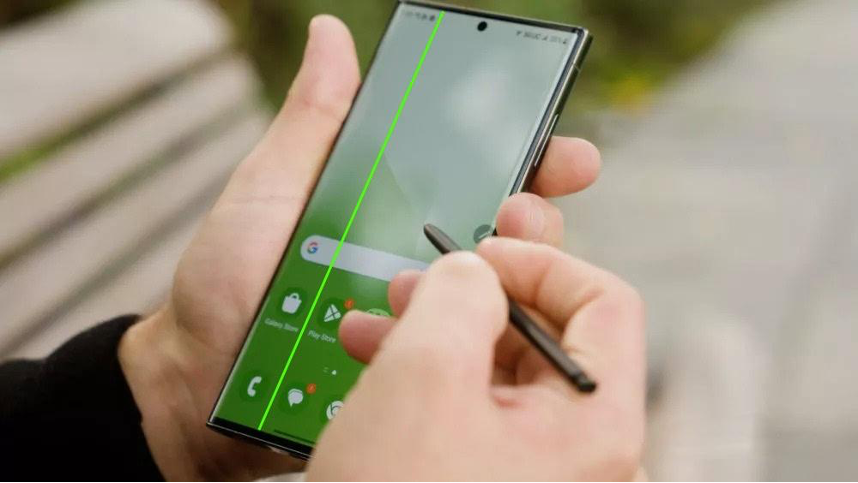
To avoid the dreaded Green / Pinkline on your Samsung phone screen, your best defense is managing device temperature, protecting the screen from drops, and updating the phone smartly.
The Green / Pink line is usually triggered by heat and physical stress weakening the fragile display connectors.
Follow these preventive habits:
Never charge while updating: Software updates push the phone’s CPU and battery to their limits. Charging simultaneously creates excessive heat, which can cause internal connections to fail.
Update in cool environments: Before starting an update, ensure your phone is charged to at least 70-80%, remove your phone case to dissipate heat, and perform the update in an air-conditioned room.
Avoid heavy gaming while charging: Fast charging combined with heavy processing generates intense heat that stresses the internal display flex cable.
Use a durable case: Accidental drops or physical pressure can damage the microscopic display connectors even if the outer glass doesn’t crack.
At the end can add in contents to remind customers in event they met with this or any Samsung screen issues , can drop by litemobile for a free diagnosis and get it fixed 1 hour on the same day with no data lose